How to use the new Siri app in iOS 27 - Engadget
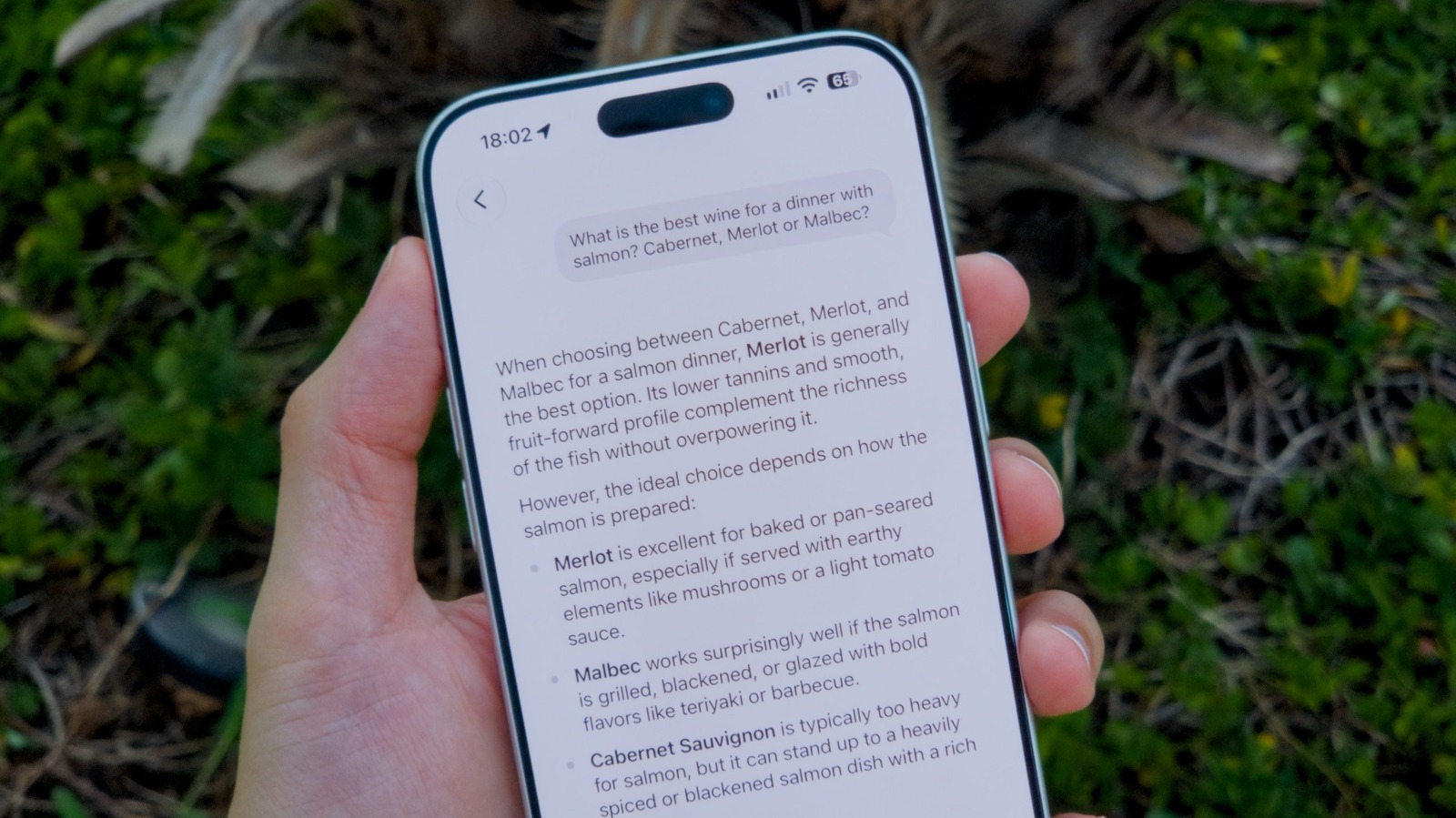
Assuming your device is new enough to use it. Siri has been around since 2011, and for most of that time it's lagged behind assistants from Google, OpenAI and Anthropic. iOS 27 is Apple's attempt to close that gap, rebuilding the assistant with new AI capabilities and, for the first time, giving it a standalone app for conversational, chatbot-style use. Getting started with Siri AI on your iPhone is easy, as long as you meet a few requirements. This includes not only updating to iOS 27 first, but also checking to see if your device is compatible with Apple Intelligence. Even if you have an iPhone running iOS 27, it may not be compatible with Siri AI. Apple Intelligence and the new Siri features are limited to the iPhone 15 Pro and later. Older iPhones, the base iPhone 15 included, are stuck with classic-and-dumb Siri. You may also have some trouble using Siri AI depending on your region and language. For now, it only works in English. Users in the EU or China won't be able to access it either due to local regulations. Unfortunately, trying to change your iPhone's settings won't get around these restrictions. After updating your iPhone to iOS 27, you'll be asked to enable Siri AI. I
Source: For the complete article, please visit the original source link below.