Google now uses your uploaded search media to train AI - Engadget
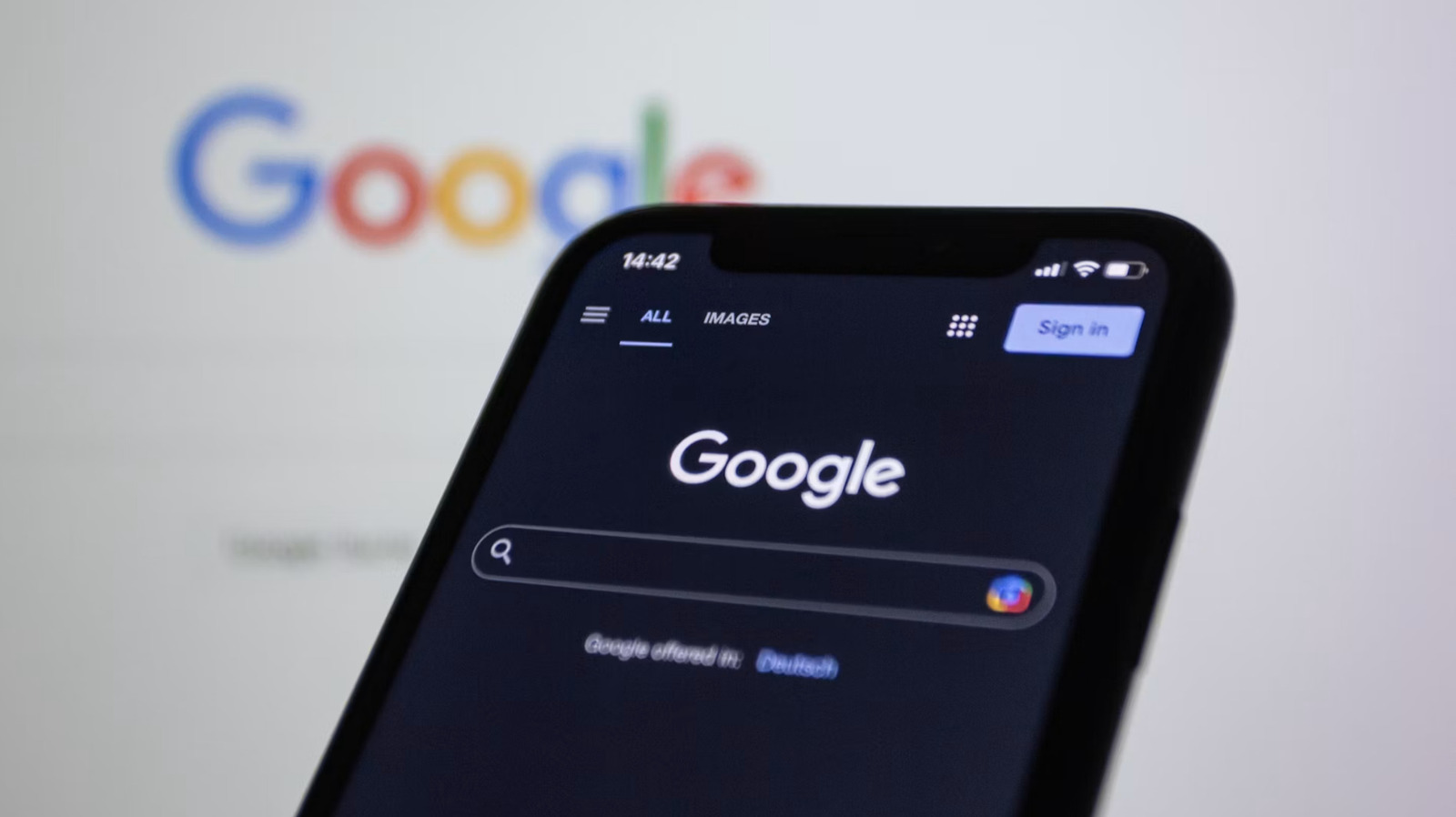
A few simple adjustments to your settings will opt you out. Google is at it again. The company recently, and quietly, introduced a change to how it hoovers up our data to train its AI platforms. It can now scoop up media you upload to its various search tools for training purposes, according to a report by TechCrunch. This includes "images, files and audio and video recordings." That's pretty much everything. What does this mean exactly? If you upload a photo to Google Lens to search for something visually, the company can take it. The same goes for the audio accompanying any Google voice search and anything uploaded to Google Translate. This applies to all Search-related products, so stuff like your personal Google Photos are safe for now. Every user is automatically opted in, as the gaping maw of generative AI needs data to feed on and it's running out. There is, however, a solution for those who don't like random mega-corporations poring through their images and videos. You can opt out of this by changing some particular settings. First, head to the dedicated Search Services History page and uncheck the "Save Media" box. Next, head to this Search Services Personalization page an
Source: For the complete article, please visit the original source link below.