What that small flashing dot on your Samsung phone is trying to tell you - Engadget
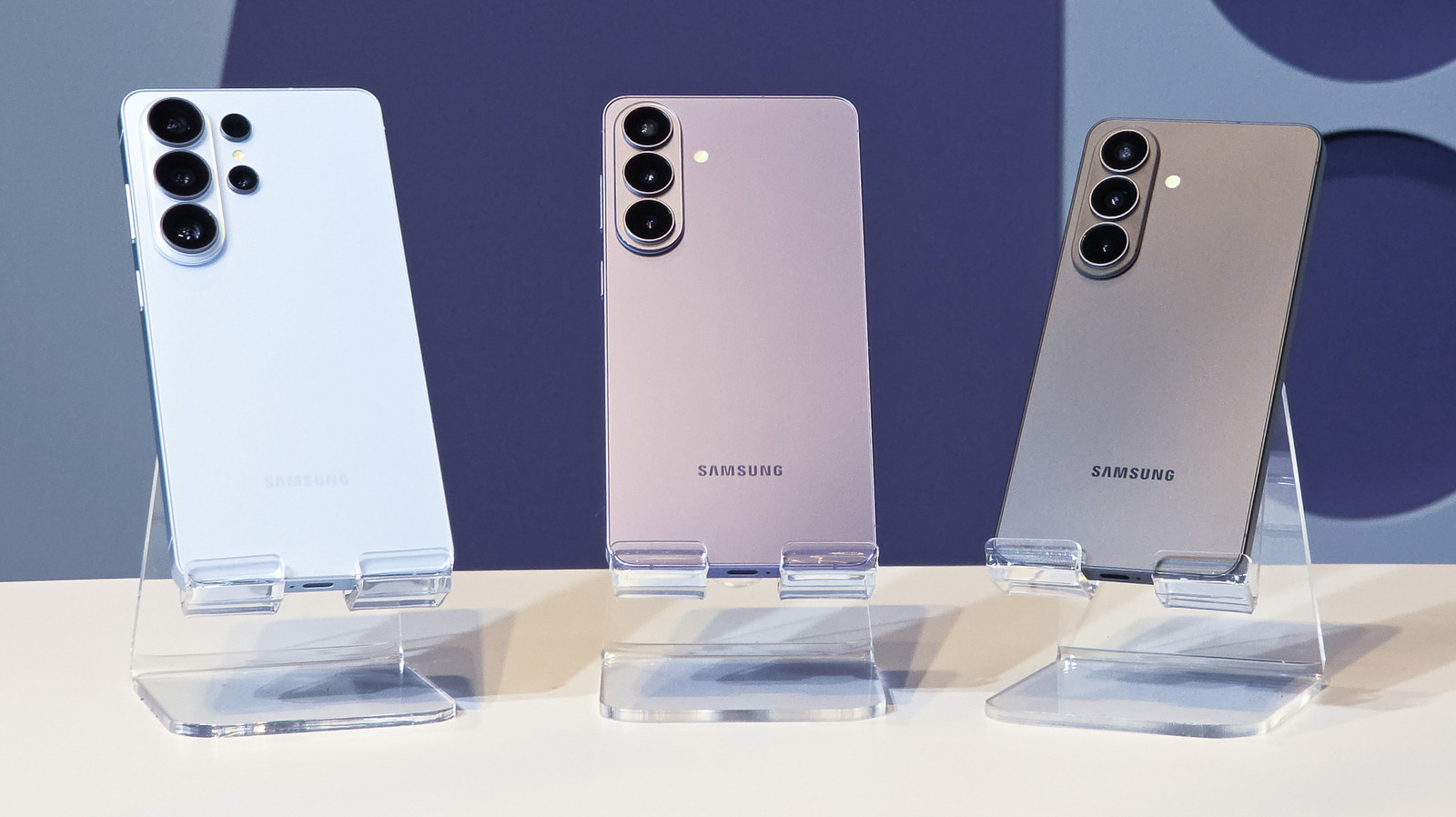
Spoiler: It’s your phone’s proximity sensor. Have you ever noticed a tiny blinking light on the screen of your Samsung phone close to the camera? That light indicates that your phone's proximity sensor is being activated, and it's blinking not because it's broken, but because it's working as intended. On older devices, you might have seen a similar blinking light in the bezel. But on Samsung's newer models like the S20 series, which are pretty much all screen with minimal bezel, the sensor is located under the display. The proximity sensor is what signals to your phone that it should switch the screen off when you bring the device to your ear during a call. It's what prevents your cheek from accidentally pressing apps and other elements onscreen with the side of your face, and it's why the screen automatically switches on when you lower your phone after you're done. Samsung can detect the angle of the device, too, so your screen doesn't turn off if you just happened to cover it with your hand or a finger. The company's devices also use the proximity sensor in partnership with the light sensor for accidental touch protection, which prevents your phone from switching on inside bags a
Source: For the complete article, please visit the original source link below.