How to sideload Android APKs on your Chromebook - Engadget
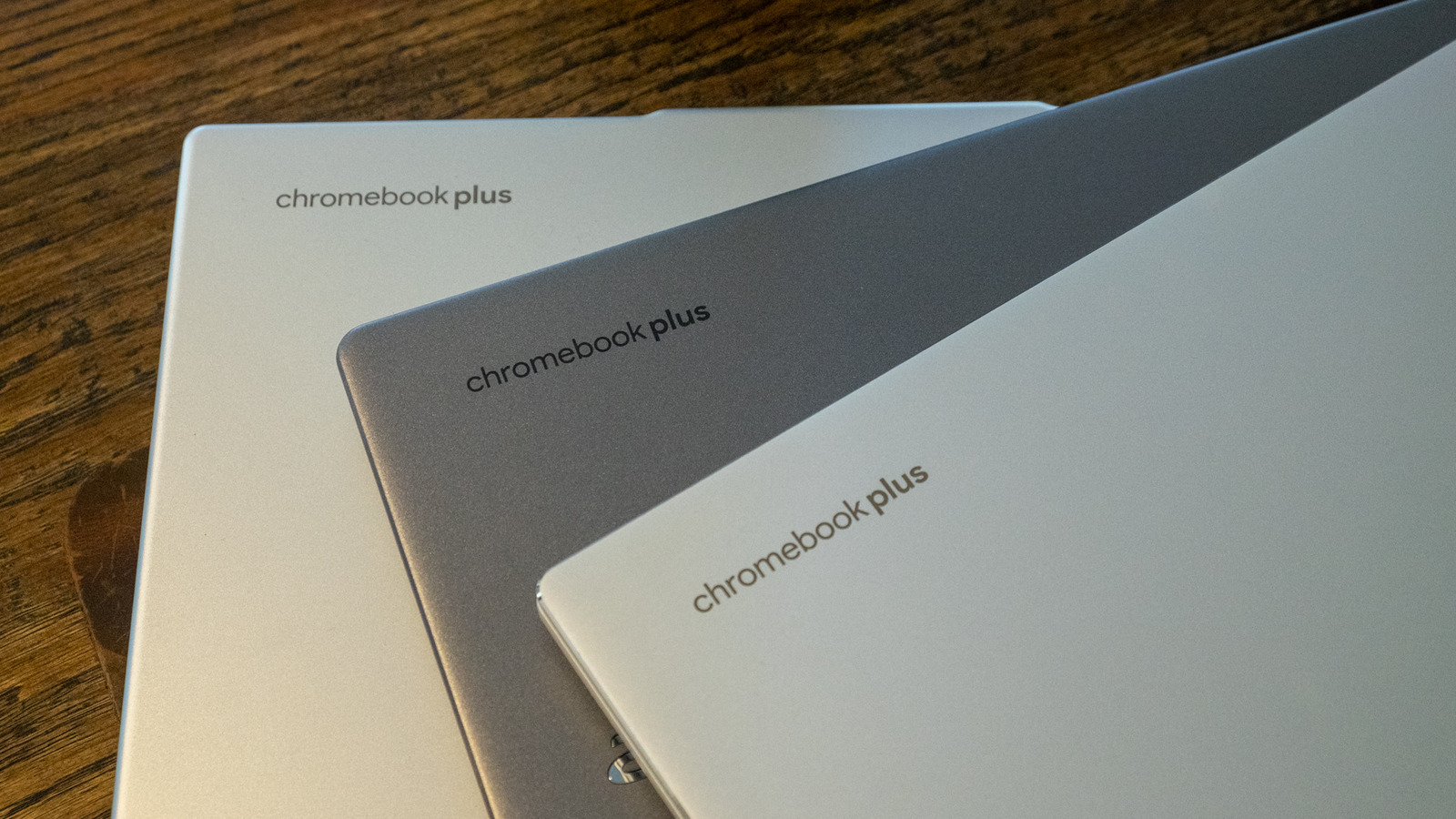
You're not limited to only apps you can get on the Play Store. A Chromebook can be a pretty flexible device. You can use it for productivity, to play games, watch movies and so on. To do these things, you might download apps from the Google Play Store. Linux apps and progressive web apps are supported too. But maybe the experience you're looking for isn't available on the Play Store. Perhaps you haven't seen a Linux app or progressive web app that does the trick. Instead, an Android app that you obtain from elsewhere on the internet may be the way to go. You may need to sideload this Android Package Kit (APK) onto your device, and we're here to detail how to do that. Before we get into the details of sideloading an Android APK onto a Chromebook, note that you do this at your own risk. Google hasn't verified apps that you obtain outside of the Play Store. For your own sake, carry out due diligence to determine as best as possible that the APK you want to use is legitimate and free of malware and other nastiness. We'll leave it to you to find the APK(s) you want. There are several options for how to sideload an app onto a Chromebook. Enabling developer mode is one way to go. However,
Source: For the complete article, please visit the original source link below.