How to disable absolute Bluetooth volume on Android (and why you might want to) - Engadget
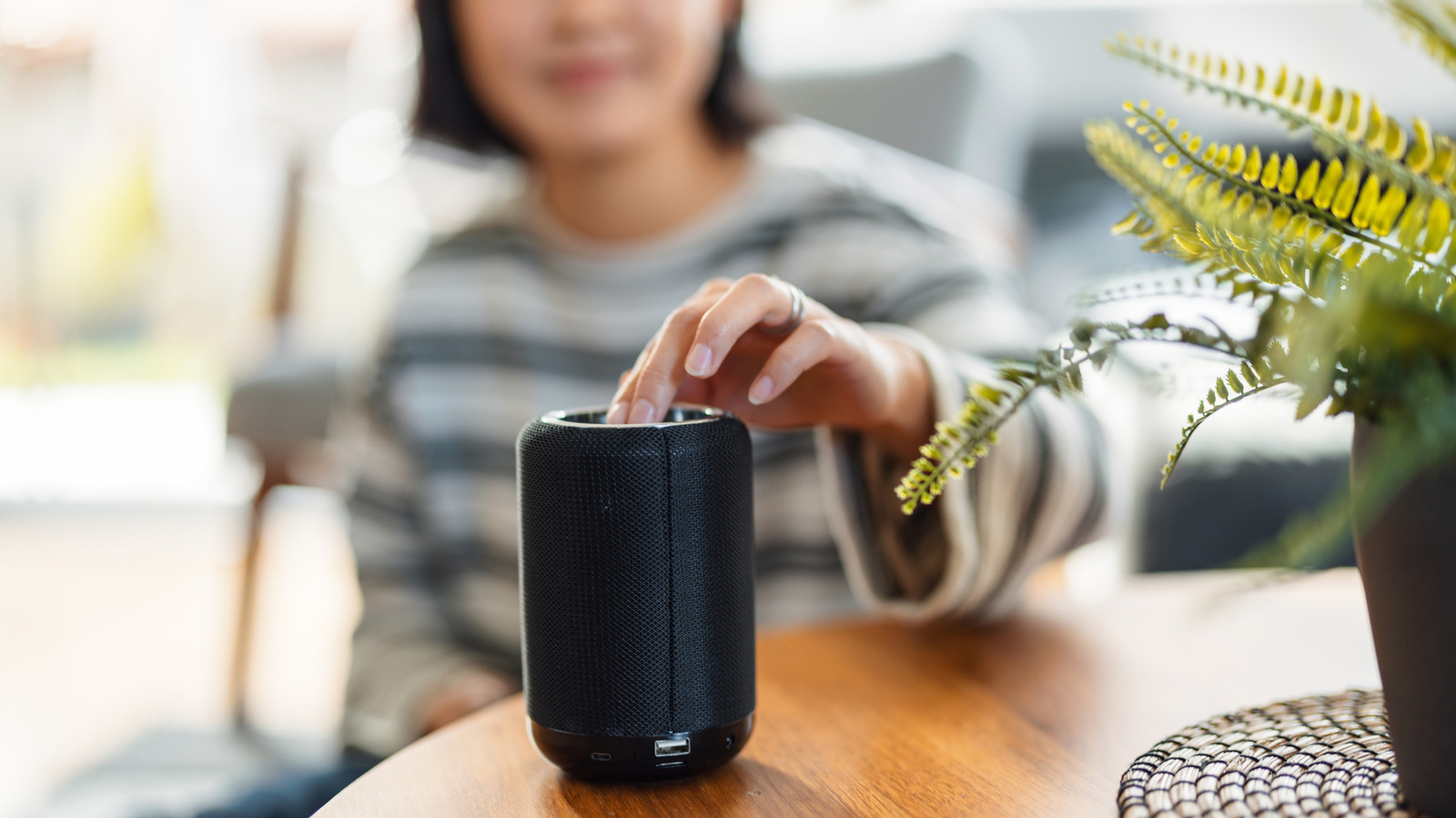
If the volume on your Bluetooth device is not behaving, this might help. You know how, when your Android phone is connected to a Bluetooth speaker or headphones, you can control the volume by pressing the buttons on your phone? Well, that feature doesn't always work, and sometimes you might find yourself pressing the button repeatedly with no response before suddenly getting blasted with full-volume music. Don't worry — neither your phone nor your Bluetooth device are defective. Instead, you're dealing with a feature called Absolute Bluetooth Volume that's been built into every Android phone running Android 6.0 or later. The goal of this feature is pretty straightforward, as it syncs your phone's volume controls with that of your Bluetooth device so you don't have to fiddle with both. Sometimes, however, this feature breaks down due to incompatibilities between your phone's volume scale and your Bluetooth device's internal amplification. The good news is that Android gives you a direct way to fix this without needing any third-party apps. Absolute volume control is a Bluetooth feature that syncs your phone's volume controls directly with any connected Bluetooth device. That include
Source: For the complete article, please visit the original source link below.