Common problems with Bluetooth speakers and how to fix them - Engadget
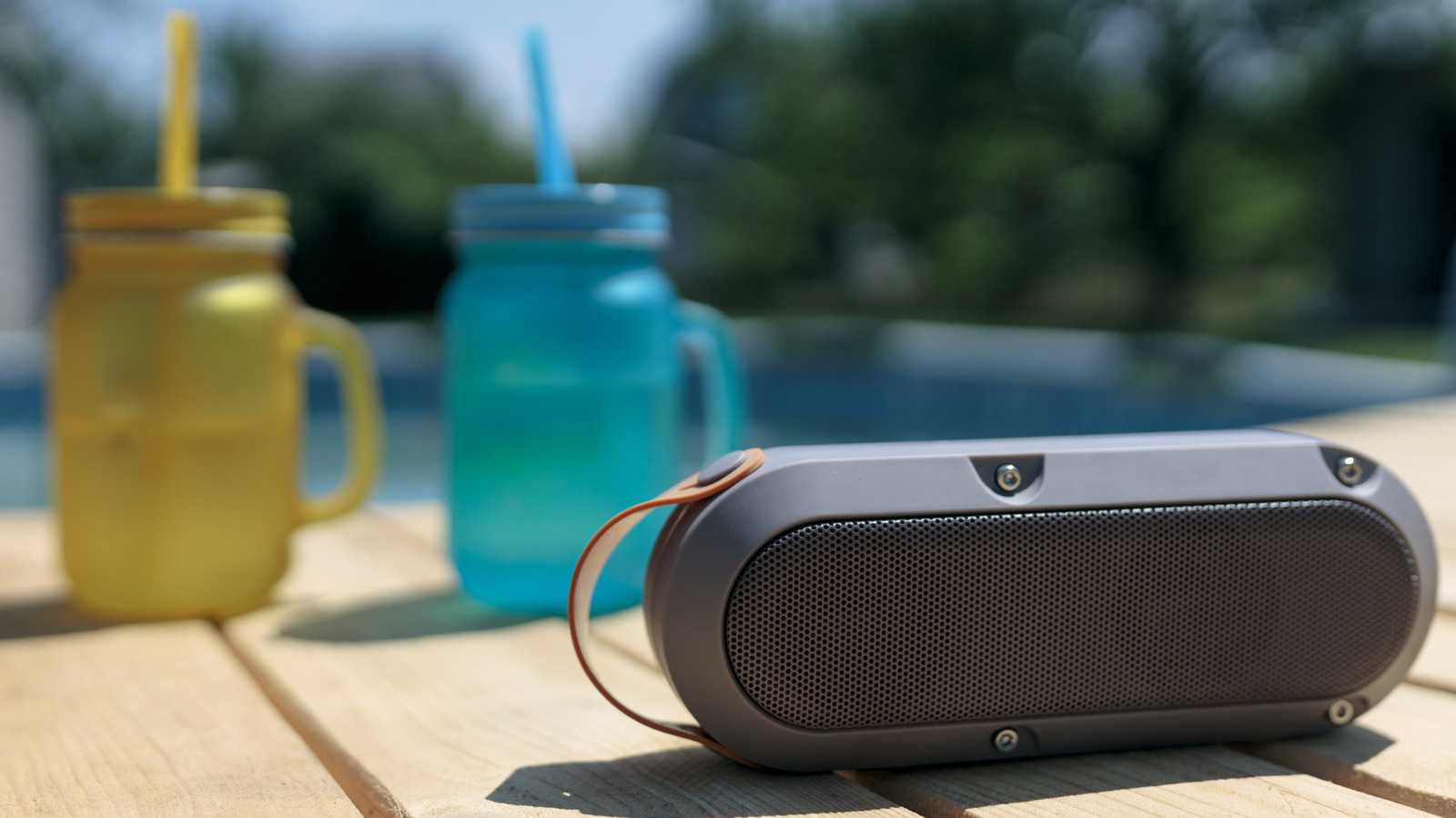
Let nothing stop you from jamming to your tunes. Using Bluetooth is simple, so it's frustrating when you're ready to listen to music on your Bluetooth speaker and are met with silence or crackling. While Bluetooth is compatible with tons of devices and doesn't require much to get working, it's still a wireless technology, which makes it more susceptible to interruptions than wired solutions. Sometimes, the speaker itself has run into an issue. Other times, the device you're playing from is to blame. And if neither of those is at fault, then the wireless connection between the two is likely the source of your problems. You can narrow down where the hiccup lies with a few troubleshooting steps. Don't write your speaker off yet if it's not working correctly; everyone runs into Bluetooth problems at some point. Troubleshooting Bluetooth issues isn't difficult, so you should be able to resolve the snag and get back to jamming without much trouble. As with most troubleshooting, an important first step is to restart both devices. Turn your Bluetooth speaker off and back on, and do the same with your phone, computer, or whatever you're connecting to. This should resolve any minor bugs prev
Source: For the complete article, please visit the original source link below.